Samsung Galaxy Loses Mobile Data When You Leave Wi-Fi – Settings to Check

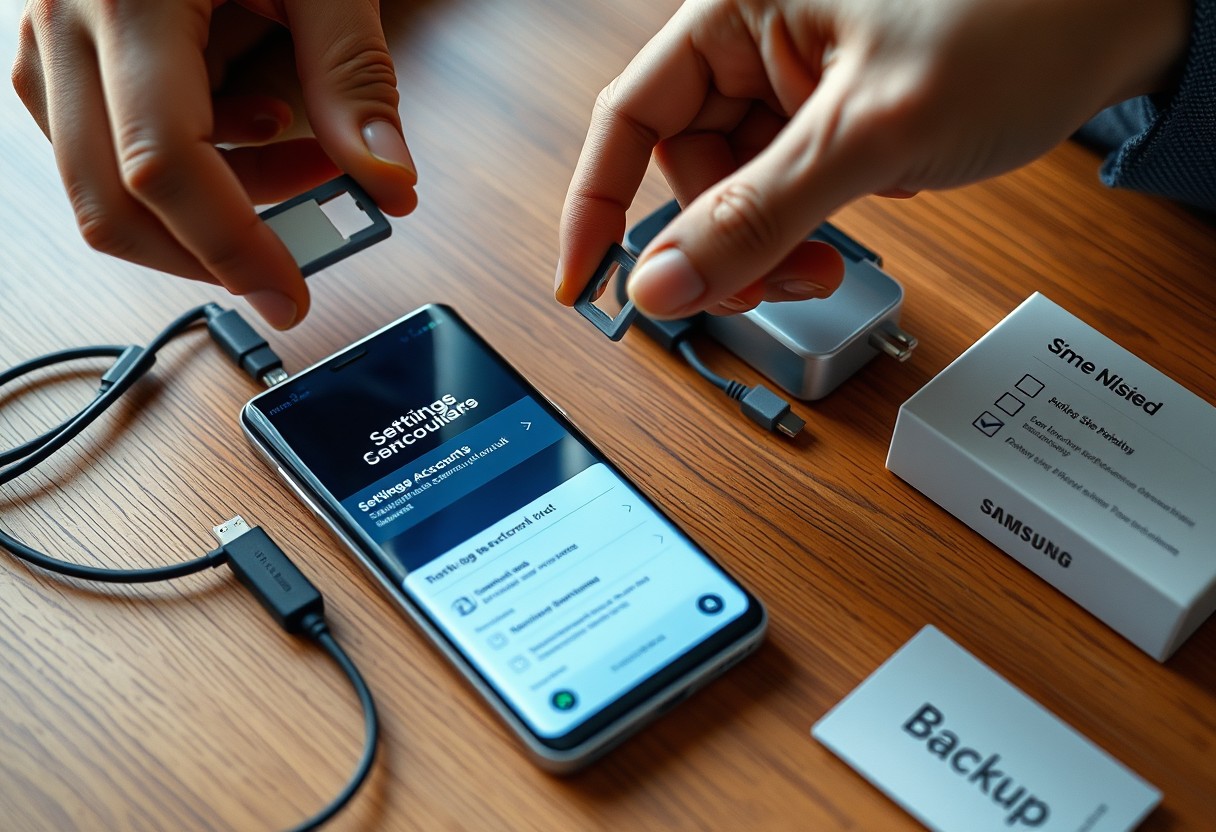
You may notice your Samsung Galaxy disconnects from mobile data when stepping out of Wi-Fi range, leaving you stranded without internet. This sudden blackout can disrupt calls, messages, and navigation. The issue often stems from overlooked settings that control network switching. Some devices disable mobile data automatically after a Wi-Fi drop, while others mismanage handover … Read more

Useful Samsung Galaxy Features You Can Set Up Once and Then Forget About

Your Samsung Galaxy holds hidden capabilities that work silently once activated. Set up these features correctly, and they protect your data, extend battery life, and reduce distractions automatically. You don’t need to monitor them-just benefit from their constant, behind-the-scenes operation. Some even activate during emergencies, making them essential for security and peace of mind. Key … Read more

Unlocking Your Sound: A Comprehensive Guide to Turning Off Mute on Your Samsung Phone

In the modern age of smartphones, we often find ourselves navigating through various sound settings. Samsung phones, renowned for their user-friendly interface and extensive features, may sometimes leave users puzzled when it comes to managing sound settings, particularly the mute function. If you’ve ever been in a situation where your Samsung phone is stuck on … Read more

How to Make Your Samsung Galaxy Feel Less Distracting Without Turning Off Notifications

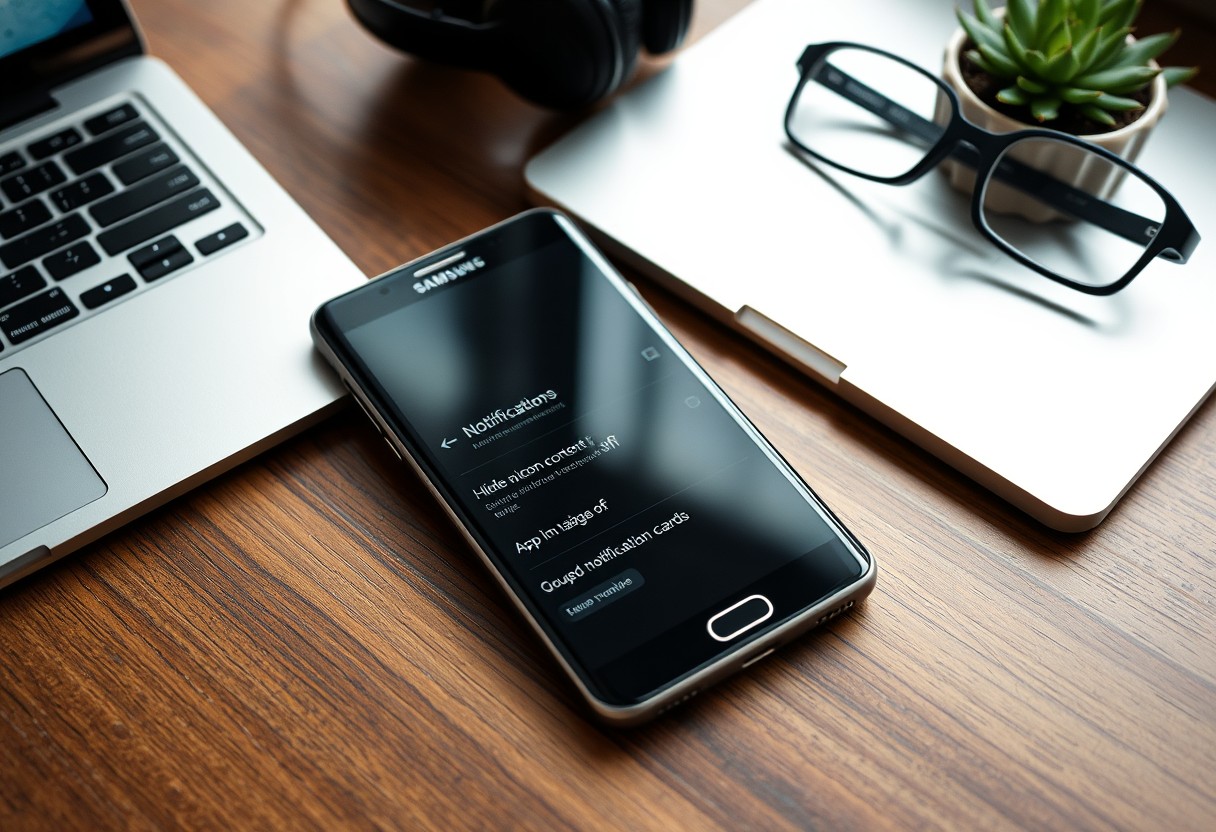
You can keep your notifications active while still reducing digital overwhelm on your Samsung Galaxy. Ignoring distractions doesn’t mean silencing alerts-it means managing how and when they grab your attention. With the right tweaks, your phone can stay useful without hijacking your focus. This guide shows you practical, actionable steps to create a calmer, more … Read more

How to Make Your Galaxy Phone Easier to Use With One Hand Without Changing the Screen Size

You can master one-handed use of your Galaxy phone without shrinking the display. Activating One-Handed Mode shrinks the screen temporarily, making top-edge controls reachable. Gesture customization reduces reliance on stretching or repositioning your grip. By adjusting settings already built into your device, you maintain full functionality while gaining comfort and safety in daily use. Key … Read more