Samsung Galaxy Storage Keeps Filling Up After You Delete Files – Where the Space Goes
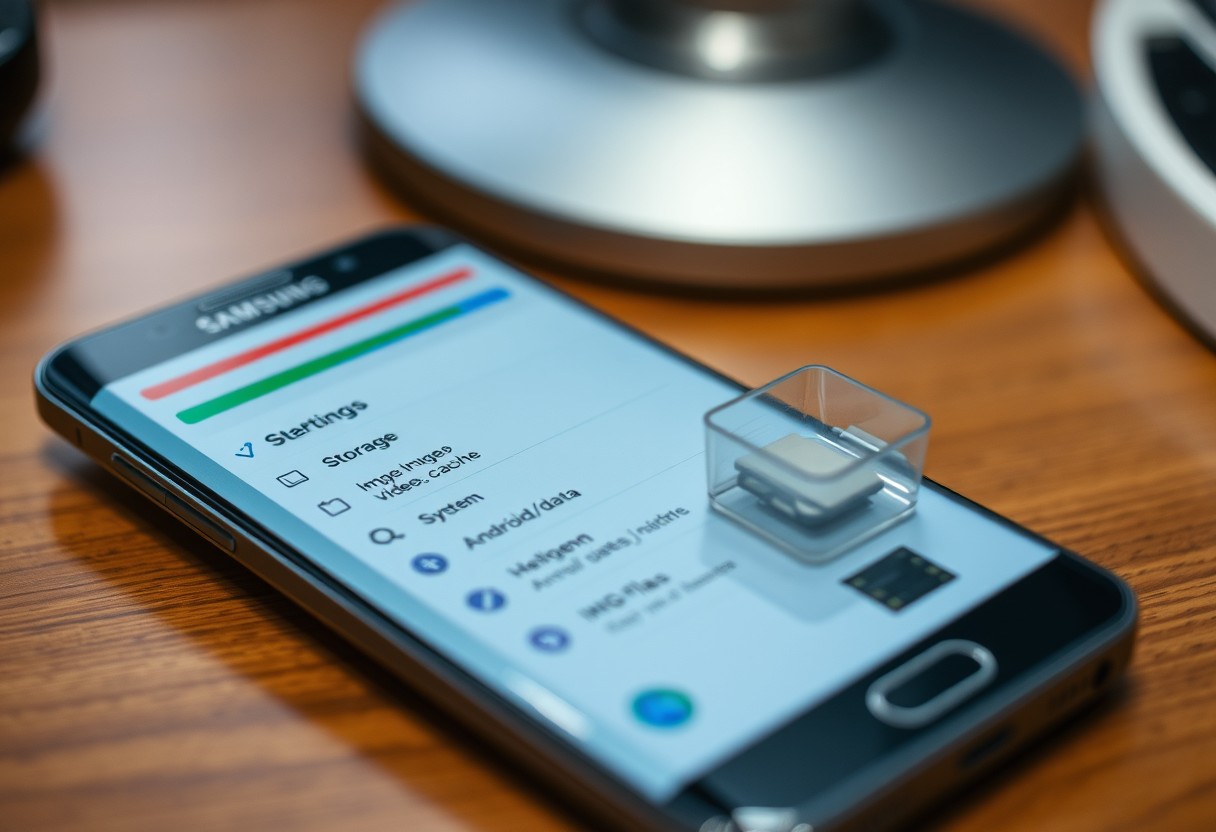
You delete photos, uninstall apps, and clear downloads, yet your Samsung Galaxy storage remains full. This frustrating loop is more common than you think, and the issue often isn’t your files-it’s where they went after deletion. Hidden caches, system logs, and auto-backups quietly hoard space, making your device sluggish. Understanding these invisible storage traps is … Read more
How to Set Up a Galaxy Phone So Your Important Contacts Can Still Reach You During Focus Time

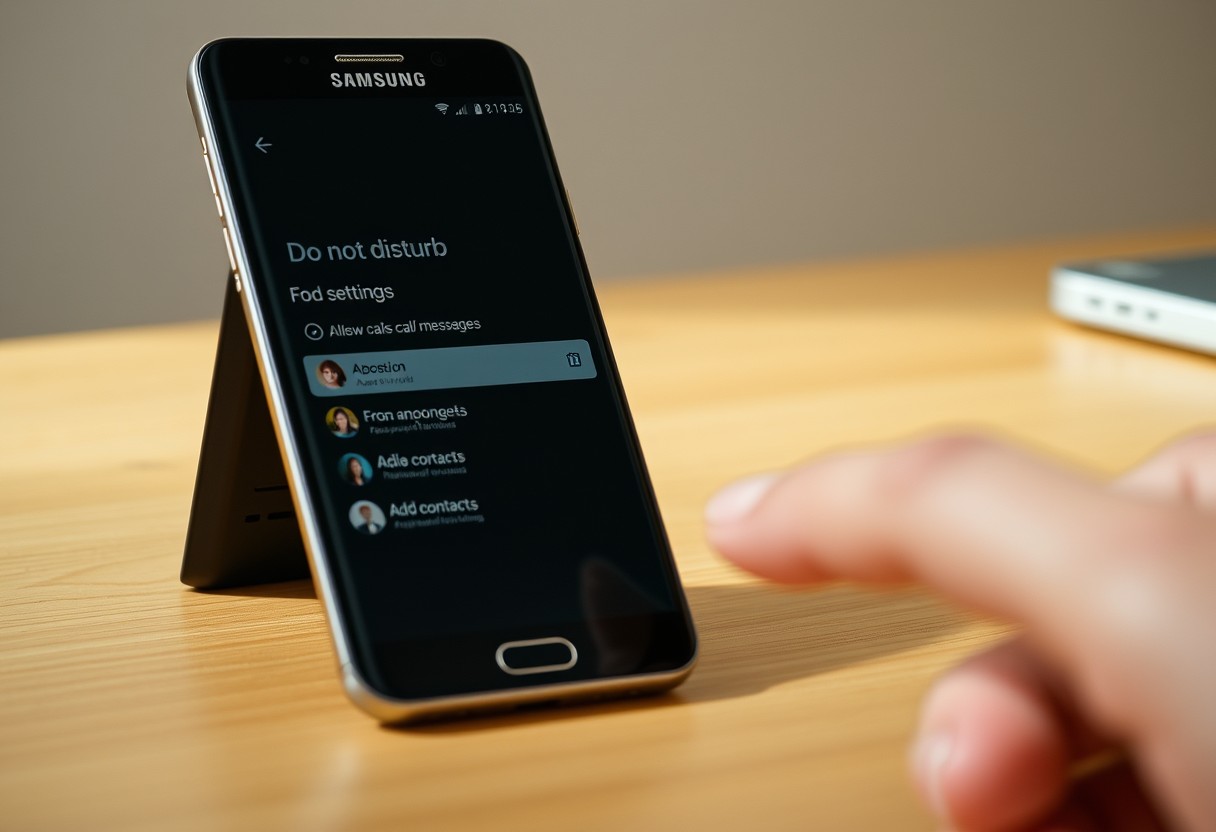
You can silence distractions during Focus Time without missing urgent calls. By customizing your Galaxy phone’s settings, specific contacts like family or close coworkers can still reach you, even when notifications are blocked. This setup ensures you stay available in emergencies while maintaining productivity-striking the right balance between focus and accessibility. Key Takeaways: Samsung’s Focus … Read more

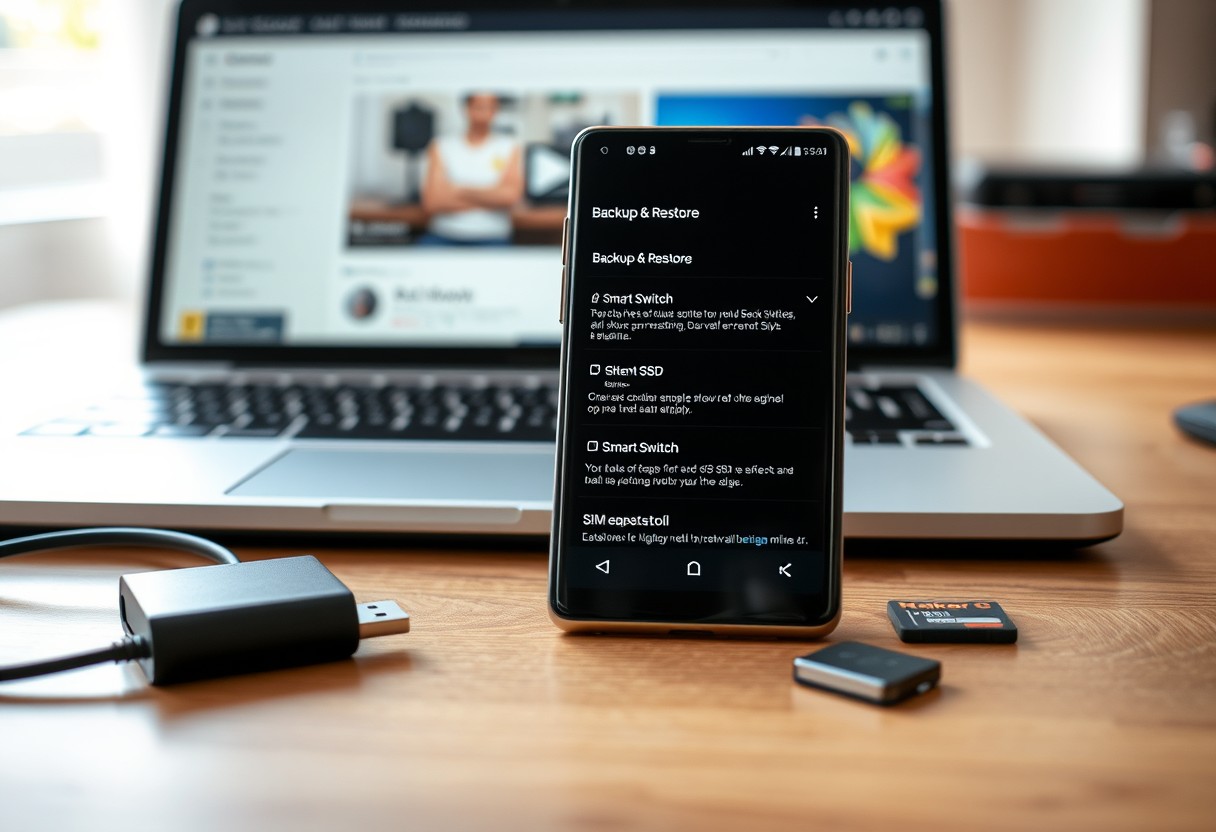
How to Build a Simple Samsung Galaxy Setup for Work, Travel, and Personal Use

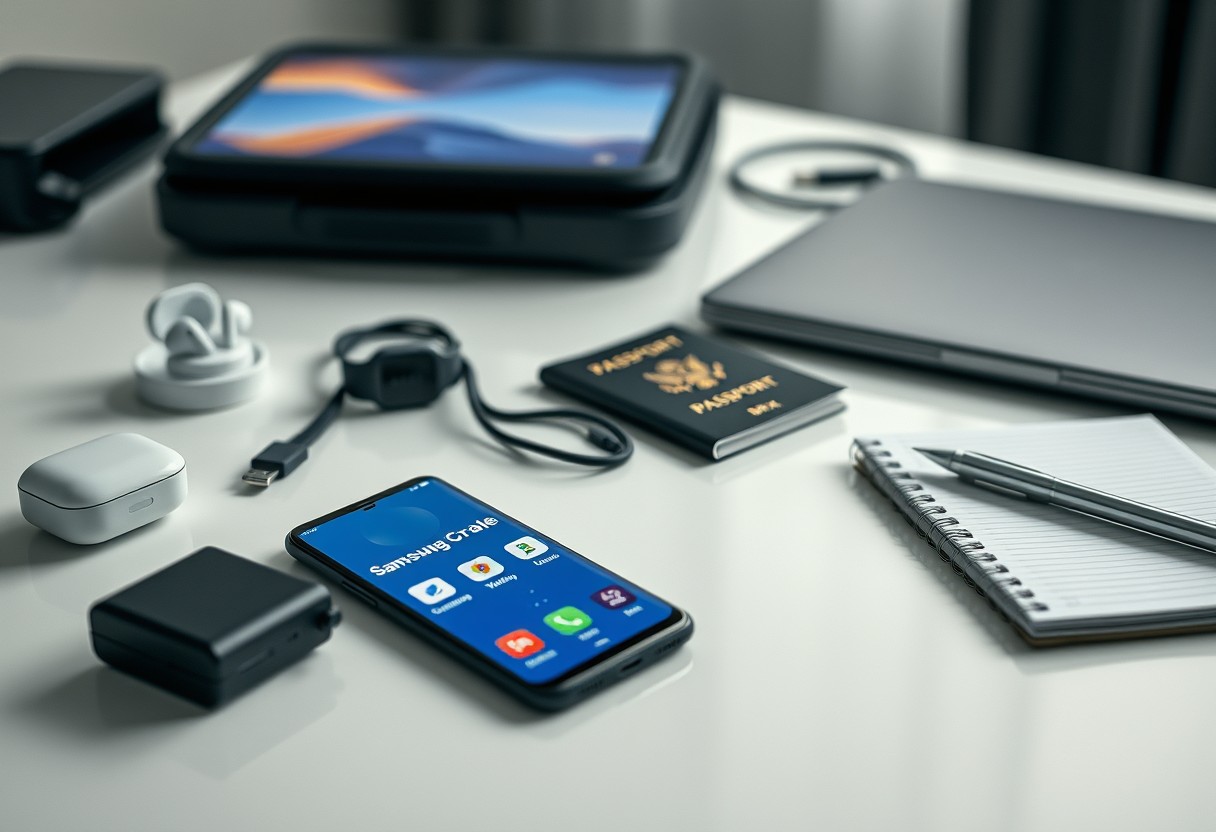
You can manage work, travel, and personal life efficiently with the right Samsung Galaxy setup. A poorly configured device risks data leaks, but a streamlined system improves productivity and security. This guide shows you how to configure your Galaxy phone, DeX, and accessories so they work seamlessly across environments without compromising privacy or performance. Key … Read more

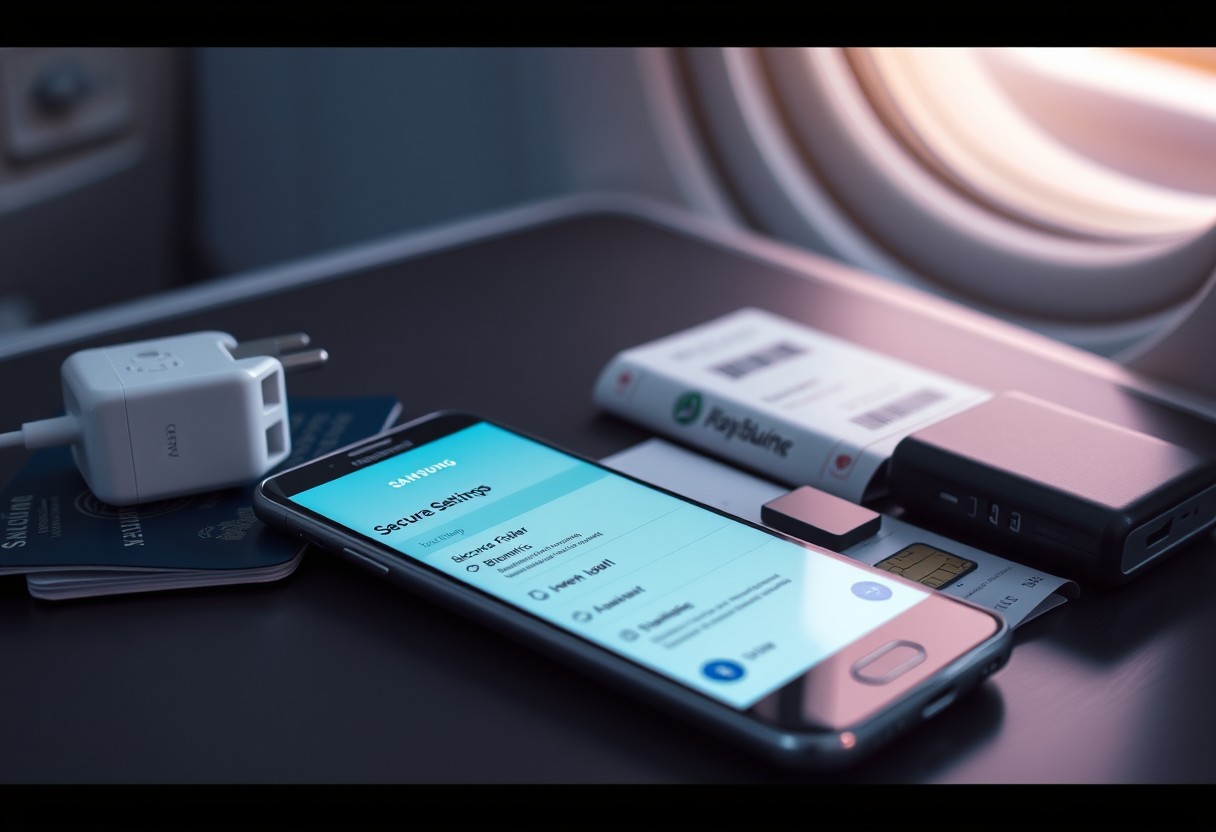
How to Set Up a Safer Samsung Galaxy Before Traveling Abroad

When traveling internationally, your Samsung Galaxy faces heightened risks from data theft, unsecured networks, and device loss. You can significantly reduce exposure by adjusting security settings before departure. Enabling remote tracking and locking ensures control if your phone goes missing. Setting strong authentication and isolating sensitive data protects your personal information in high-risk environments. This … Read more

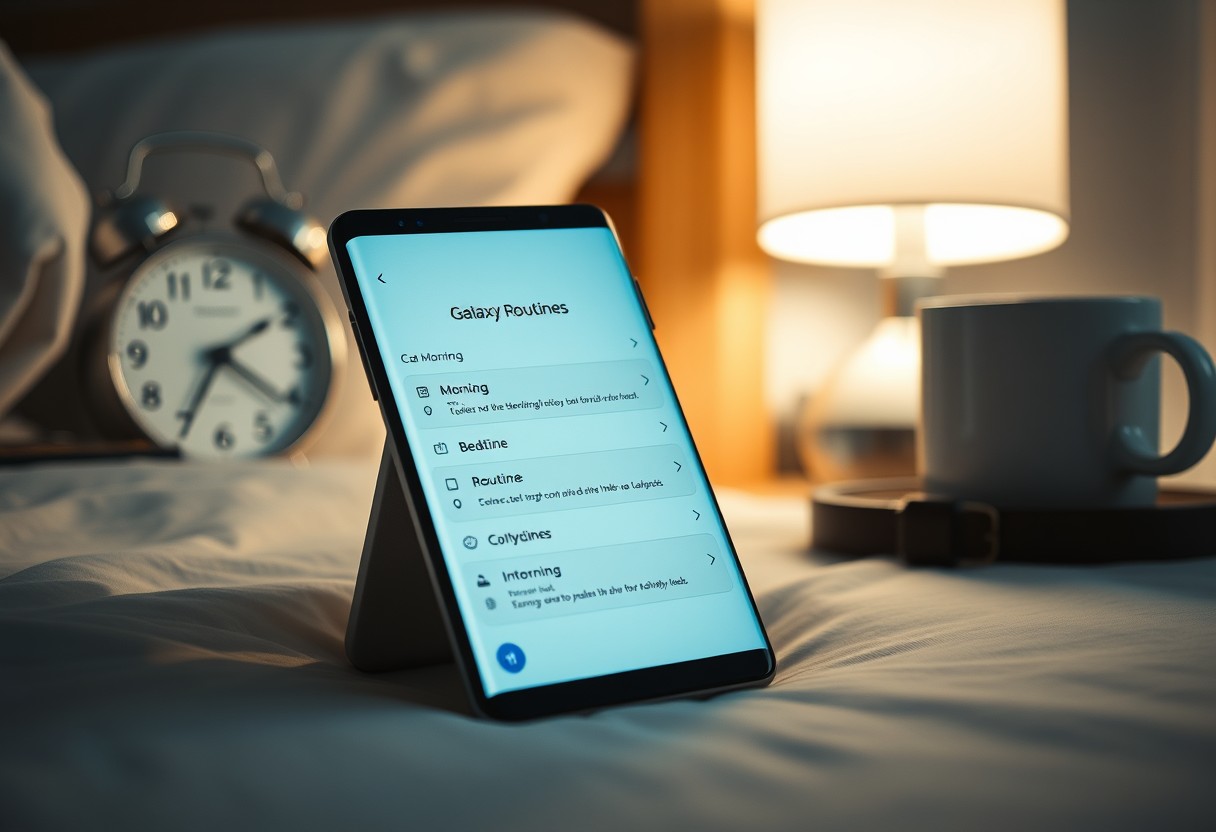
How to Use Samsung Galaxy Routines to Automate Your Morning and Bedtime Settings

You can streamline your daily life by automating your phone’s behavior with Samsung Galaxy Routines. Setting up morning and bedtime automations saves time and reduces distractions. Incorrect trigger settings may disrupt your routine, so precision matters. With the right setup, your device adjusts volume, lighting, and apps without you lifting a finger. Key Takeaways: Samsung … Read more

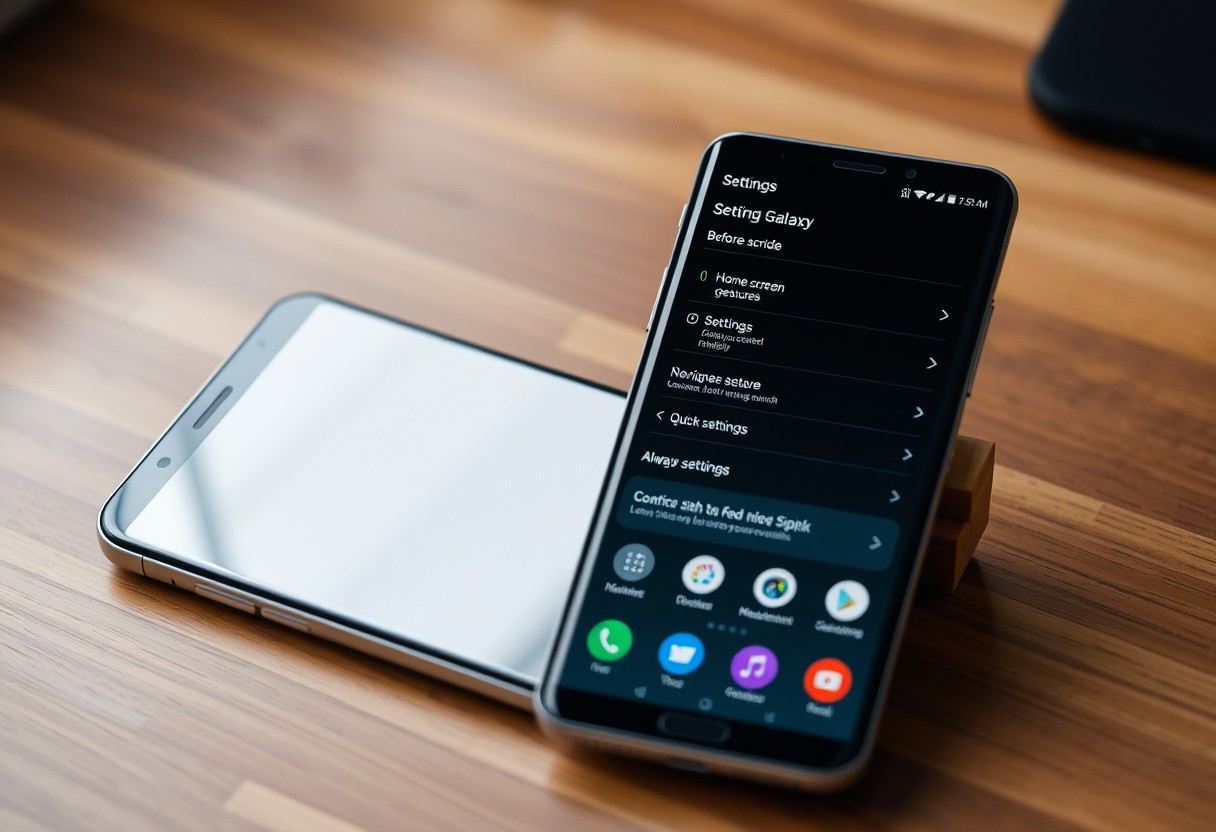
Samsung Galaxy Screen Looks Different After an Update – Settings That May Have Changed

You may notice your Samsung Galaxy screen looks different after a recent update, and it’s likely due to altered display settings. Some changes happen automatically, like shifts in color tone or brightness behavior. A few adjustments could affect eye comfort and battery life, while others improve clarity. You’re not imagining things-your phone’s appearance can change … Read more

Samsung Galaxy Touchscreen Works Intermittently – A Step-by-Step Troubleshooting Guide

Your Samsung Galaxy touchscreen should respond instantly to your touch, but when it works only sometimes, daily tasks become frustrating. This guide walks you through proven fixes-starting with simple resets and ending with repair decisions. Some issues stem from software glitches you can fix in minutes; others may signal serious hardware damage. Acting early can … Read more

Samsung Galaxy Apps Keep Reloading When You Switch Between Them – What’s Happening?

You’re not imagining it-your Samsung Galaxy apps are restarting every time you switch between them. This behavior, while frustrating, often stems from background app management settings or excessive memory pressure. Some devices aggressively clear RAM to preserve battery, forcing apps to reload. In certain cases, a system update or app bug may be to blame. … Read more

Samsung Galaxy Phone Feels Slow Only After It Has Been Used for Several Hours

You notice it gradually: your Samsung Galaxy phone runs smoothly in the morning but becomes sluggish by late afternoon. This slowdown isn’t random-heat buildup and memory exhaustion are often the real culprits. Even high-end models can struggle when background processes accumulate and thermal throttling kicks in. You’re not imagining it-your device is working harder than … Read more