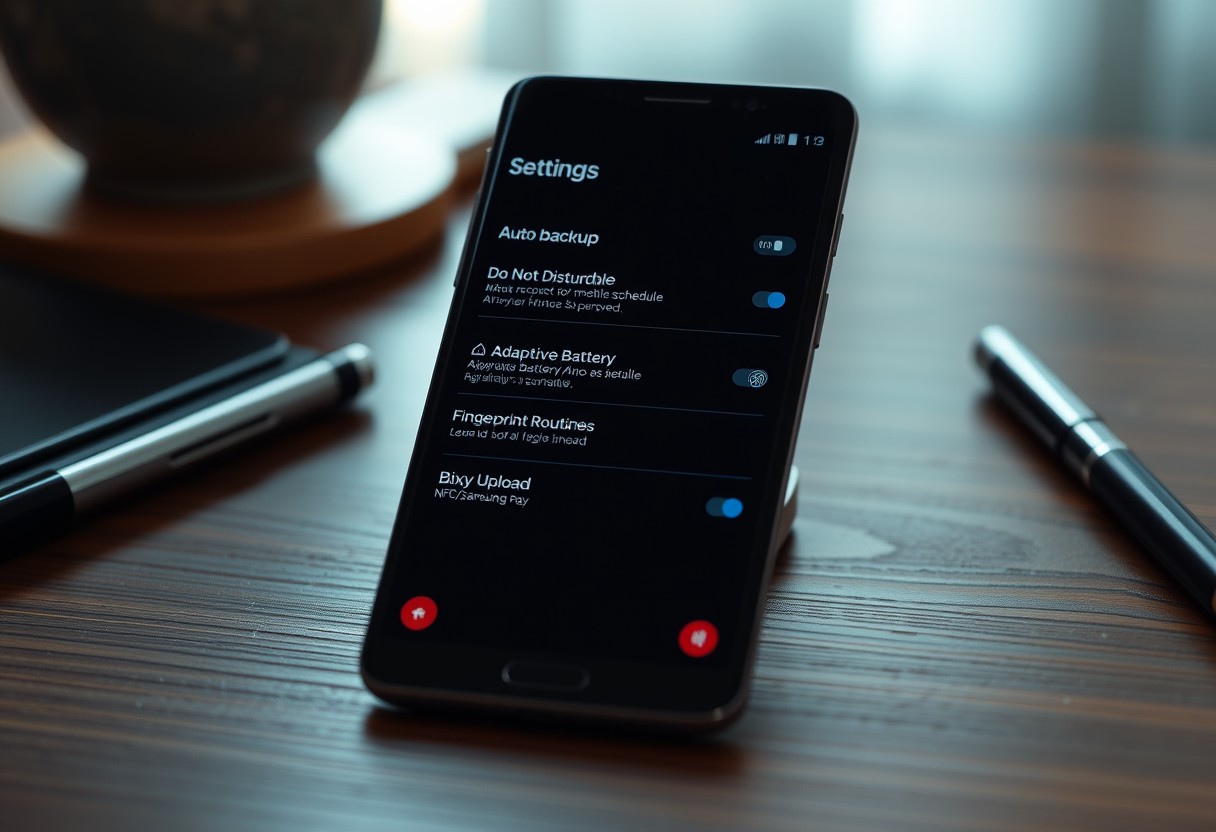
Your Samsung Galaxy holds hidden capabilities that work silently once activated. Set up these features correctly, and they protect your data, extend battery life, and reduce distractions automatically. You don’t need to monitor them-just benefit from their constant, behind-the-scenes operation. Some even activate during emergencies, making them essential for security and peace of mind.
Key Takeaways:
- Samsung’s Device Care feature runs automatic maintenance tasks like battery optimization and malware scans, reducing the need for manual intervention once enabled.
- Enabling Dark Mode across system apps at scheduled times extends OLED screen lifespan and conserves battery without requiring daily input.
- Bixby Routines can trigger actions like enabling Do Not Disturb when driving or turning on Wi-Fi at home, automating common tasks based on location or behavior patterns.
The Electronic Thumb: Automating Reality
Bixby Routines act as your device’s silent conductor, adjusting settings based on your habits without requiring daily input. You define triggers-like time, location, or charging status-and the phone responds by toggling Wi-Fi, launching apps, or silencing notifications. This automation reduces decision fatigue and keeps your experience aligned with real-world context. Once configured, these routines run invisibly, adapting to your life rather than demanding attention.
The Sleep-Cycle Sentinel: Instruct the device to dim its lights and cease its chirping at a specific hour to avoid midnight existential crises.
Nighttime interruptions can disrupt more than just sleep-they fracture mental recovery. Set Bixby Routines to activate at a designated hour, dimming screen brightness and enabling Do Not Disturb automatically. Your phone will stop buzzing, flashing, or reading messages aloud, creating a calm digital environment. This quiet transition supports uninterrupted rest, letting you wake up without catching up on overnight alerts.
The Office-Bound Automaton: Set the device to recognize your workplace coordinates and automatically engage the silent profile, sparing you from a loud ringtone during a meeting.
Arriving at work should never come with panic about accidental ringtones. By setting a geofenced routine, your Galaxy detects when you enter the office and switches to silent or vibrate mode instantly. No more fumbling to mute calls during presentations or missing alerts because you forgot to reset your profile. The device respects your environment so you don’t have to think about it-your focus stays where it belongs.
Keeping the Silicon Pulse Steady
The Eighty-Five Percent Rule
You can extend your battery’s lifespan by limiting its maximum charge to 85 percent, a setting buried in Battery Care mode. Lithium-ion cells degrade faster when held at full voltage for long periods, so capping the charge reduces internal stress. Your phone still performs normally, but over months and years, this small restraint means noticeably less capacity loss. Samsung’s implementation learns your charging habits, allowing full charges when needed-making it smart, not rigid. This one-time setup protects the hardware without compromising daily use.
Ad游戏副本
Preventing Total Galactic Panic
Your Galaxy device holds personal data, financial access, and daily routines in its circuits, making loss or lockout more than inconvenient-it can be a full-blown crisis. Samsung’s built-in safeguards quietly guard against these moments, working behind the scenes to ensure you’re never truly locked out or left behind. With intelligent location services and secure remote access protocols, your phone stays reachable even under extreme circumstances. These features activate silently, requiring only initial setup, then stand by like an invisible safety net, ready when you need them most.
The Offline Tracking Beacon: Enable the mesh network that allows your phone to be located by other nearby Galaxy devices even without a planetary data connection.
Even if your phone is off-grid with no Wi-Fi or cellular signal, Samsung’s offline finding feature uses a decentralized mesh of nearby Galaxy devices to detect its location. This network anonymously relays your phone’s position through Bluetooth signals, so you can locate it on the SmartThings Find map. Once enabled, this system runs autonomously, meaning your device remains traceable even when completely disconnected. It’s one setup step that could make the difference between recovery and permanent loss.
The Emergency Remote Key: Establish remote unlock protocols so you can gain entry to your digital life from a remote terminal if you forget your biometric data.
If you’re locked out due to failed facial recognition or fingerprint attempts, Remote Unlock lets you securely regain access from another trusted device using your Samsung account credentials. This encrypted bridge bypasses the physical device lock without compromising security. After initial activation in Settings, the protocol lies dormant until needed, ensuring you’re never stranded outside your own phone-even if your hands or face don’t cooperate. It’s silent peace of mind, active the moment disaster strikes.
Silencing the Infinite Chatter
Notifications don’t have to feel like intrusions. With thoughtful visual alerts and organized logs, your Galaxy handles incoming data without disrupting your focus. You stay informed through subtle cues rather than jarring interruptions, letting important updates surface naturally. This system works silently in the background, filtering noise while preserving what matters-so you never miss a signal in the storm of everyday alerts.
The Edge Glow Signal: Replace violent vibrations with a gentle halo of light around the screen borders that respects your personal space and sense of calm.
Light can inform without invading. When enabled, the Edge Glow Signal wraps your screen’s edges in a soft, customizable glow whenever a notification arrives, replacing harsh vibrations with a visual whisper. You’ll notice alerts at a glance, even on silent, and the effect is especially effective in low-noise environments or during focused work. Once set, it runs automatically-no toggling, no interruptions, just calm, continuous awareness.
The Historical Record of Pings: Maintain a log of dismissed notifications to ensure that no important message accidentally vanishes into the cold, dark void of space.
Accidentally swiping away a critical alert happens more often than you’d like. The Historical Record of Pings keeps a permanent archive of every notification, even those you dismissed without opening. You can scroll back days or weeks to recover forgotten messages, from package deliveries to calendar changes, ensuring nothing slips through permanently. This hidden log runs passively, requiring zero daily input-just peace of mind when certainty matters.
Harmonic Resonances for Earthlings
Audio separation and quality enhancements quietly transform how you experience sound on your Samsung Galaxy. By fine-tuning audio routing and applying spatial enhancements at the system level, your device delivers richer, more intentional listening without ongoing input. You benefit from cleaner outputs, smarter device pairing, and immersive playback that adapts to how you use your phone-whether with headphones, speakers, or the built-in earpiece.
The Isolated Audio Stream: Designate specific apps to play their audio through a Bluetooth device while keeping system alerts strictly confined to the handset.
Let your Galaxy route audio intelligently by assigning individual apps to specific output devices. You can set your podcast app to stream only through your wireless earbuds while ensuring system alerts and calls remain on the handset’s speaker, so you never miss urgent notifications. This silent background rule works across connections, maintaining order without intervention. Once configured, your audio ecosystem stays organized, reducing distractions and giving you precise control over where each sound appears.
The Atmospheric Audio Boost: Activate Dolby Atmos once to permanently improve the sonic quality of your digital existence with a multi-dimensional soundscape.
Switching on Dolby Atmos unlocks a persistent, immersive audio layer that reshapes music, video, and calls with depth and spatial realism. You hear instruments around you, dialogue in front, and effects that seem to move through space-transforming basic playback into a theater-like experience. This setting applies universally across headphones and speakers, adapting dynamically without further input. Once enabled, your Galaxy maintains this enriched soundscape automatically, ensuring every sound you encounter feels more vivid and lifelike from that point forward.
The Manual Override for Lazy Species
The Side Key Multi-Tool
You can reprogram the side key to launch the camera or a frequently used app with a double-press, eliminating the need to unlock your phone first. This small adjustment saves precious seconds every time you need quick access, especially when inspiration strikes suddenly or a moment demands immediate capture. No more fumbling through screens-just press twice and go. The feature works even when the device is locked, making it one of the most efficient shortcuts available.
The Thumb-Friendly Swipe
One-handed mode makes your large display surprisingly accessible by shifting the entire interface to the lower half of the screen with a downward swipe on the navigation bar. With a single gesture, you gain full control without stretching your thumb to its anatomical limits. This setting is ideal when you’re on the move, holding something in your other hand, or simply lounging in bed. Once enabled, it activates instantly whenever needed, reducing strain and accidental drops.
Conclusion
You set up these Samsung Galaxy features once and they work quietly in the background, improving your daily experience without demanding attention. From adaptive battery management to automatic Wi-Fi switching and emergency SOS, each function handles a specific task efficiently, reducing friction over time. Your device becomes more responsive, secure, and personalized without extra effort on your part. These tools are not flashy, but their long-term impact is clear. You benefit most when you stop thinking about them-and that’s exactly how they’re designed to work.
FAQ
Q: What is Bixby Routines and how does it work automatically after setup?
A: Bixby Routines is a built-in automation tool on Samsung Galaxy devices that adjusts settings based on your habits and location. Once configured, it can turn on Do Not Disturb when you start driving, switch to silent mode at bedtime, or launch your workout playlist when you plug in earbuds. After initial setup, it runs in the background using sensors and triggers without requiring daily input, adapting to recurring patterns in your routine.
Q: Can Samsung’s Adaptive Display settings really adjust on their own over time?
A: Yes, the Adaptive Display feature learns from how you interact with your screen brightness and color temperature. Instead of manually tweaking settings in different lighting, the display adapts based on ambient light and your preferred visibility levels. Over time, it reduces eye strain by automatically shifting to warmer tones at night and increasing brightness in sunlight, all without ongoing user input.
Q: How does Samsung’s Secure Folder protect files without needing regular attention?
A: Secure Folder creates an encrypted, isolated space on your device that requires a separate PIN, pattern, or biometric lock. Once files, apps, or photos are moved inside, they remain hidden and inaccessible to the main system and other apps. It runs independently of the regular Android environment, so after setup, no maintenance is needed and unauthorized access is blocked even if the phone is compromised.
Q: Does battery adaptive charging actually extend battery lifespan with minimal effort?
A: Samsung’s Adaptive Battery learning tracks which apps you use most and restricts background activity for rarely used ones. It also pairs with learning your daily charging patterns, slowing the final charge to 100% if you typically charge overnight. This reduces battery stress over time, helping maintain capacity. Once enabled, it operates silently in the background, requiring no further configuration.
Q: Can Samsung’s auto-backup features be trusted to work long-term without checks?
A: Samsung Cloud and Smart Switch offer automatic backup for contacts, messages, app data, and device settings when connected to Wi-Fi and charging. After initial setup, backups happen on a schedule without prompting. Photos and videos can also sync continuously through the Gallery app. Users have reported reliable restoration years later, confirming the system’s consistency when left unattended.