Mastering Your Samsung: How to Turn Off Samsung Pass Autofill

In a world where digital privacy is increasingly important, it’s essential to control what information your devices remember for you. Samsung Pass is a valuable feature on Samsung devices that simplifies logging into various applications and websites by automatically filling in your credentials. However, it may not always align with every user’s preferences. If you’re … Read more

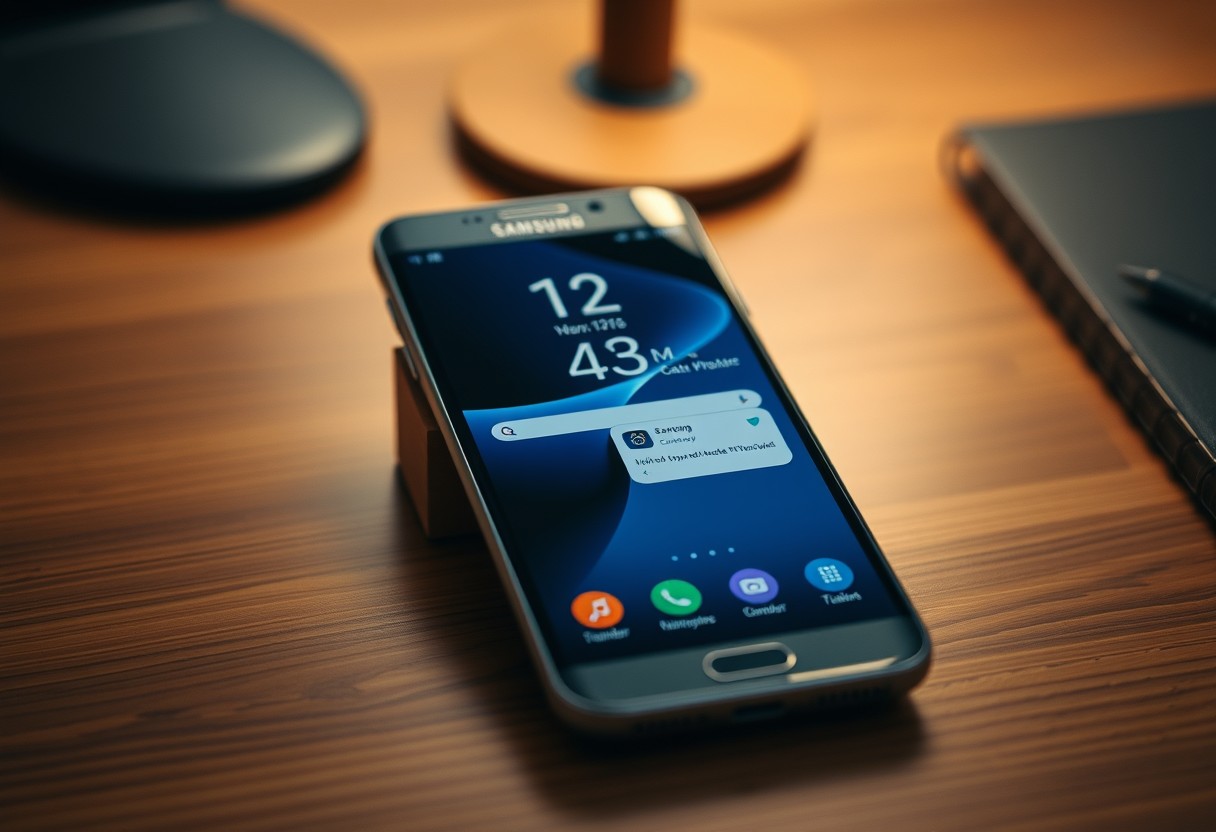
How to Build a Distraction-Free Home Screen on a Samsung Galaxy

You can reclaim your focus by transforming your Samsung Galaxy’s home screen into a minimalist, purpose-driven space. Digital clutter leads to mental clutter, and every unnecessary app or notification competes for your attention. With intentional design, you’ll reduce impulse scrolling and improve daily productivity. Samsung’s One UI offers powerful tools-like app hiders, custom widgets, and … Read more

Samsung Galaxy Features That Become More Useful When You Connect a Bluetooth Device

You unlock enhanced functionality from your Samsung Galaxy the moment you pair a Bluetooth device. What seems like simple connectivity actually activates powerful, underused features-from remote camera control to audio streaming with spatial awareness. Some of these integrations improve convenience, while others provide critical safety benefits you might not expect from a smartphone alone. Key … Read more

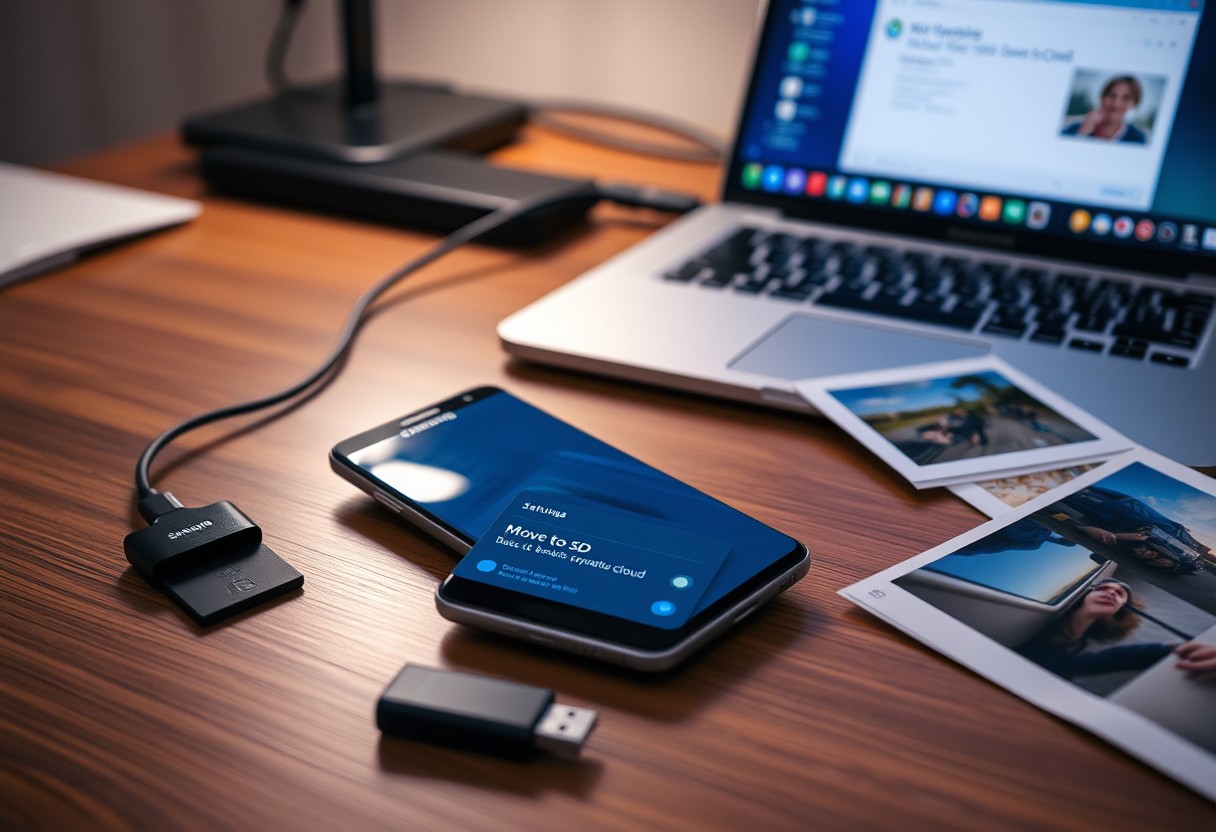
Samsung Galaxy Storage Tricks That Don’t Involve Deleting Your Favorite Photos

You can reclaim significant space on your Samsung Galaxy without touching your cherished photos. Cloud backups, app cache sweeps, and duplicate file finders quietly free up room. Dangerous myths suggest you must erase media to gain space-this isn’t true. Smart, built-in tools and settings let you expand usable storage safely, keeping memories intact while improving … Read more

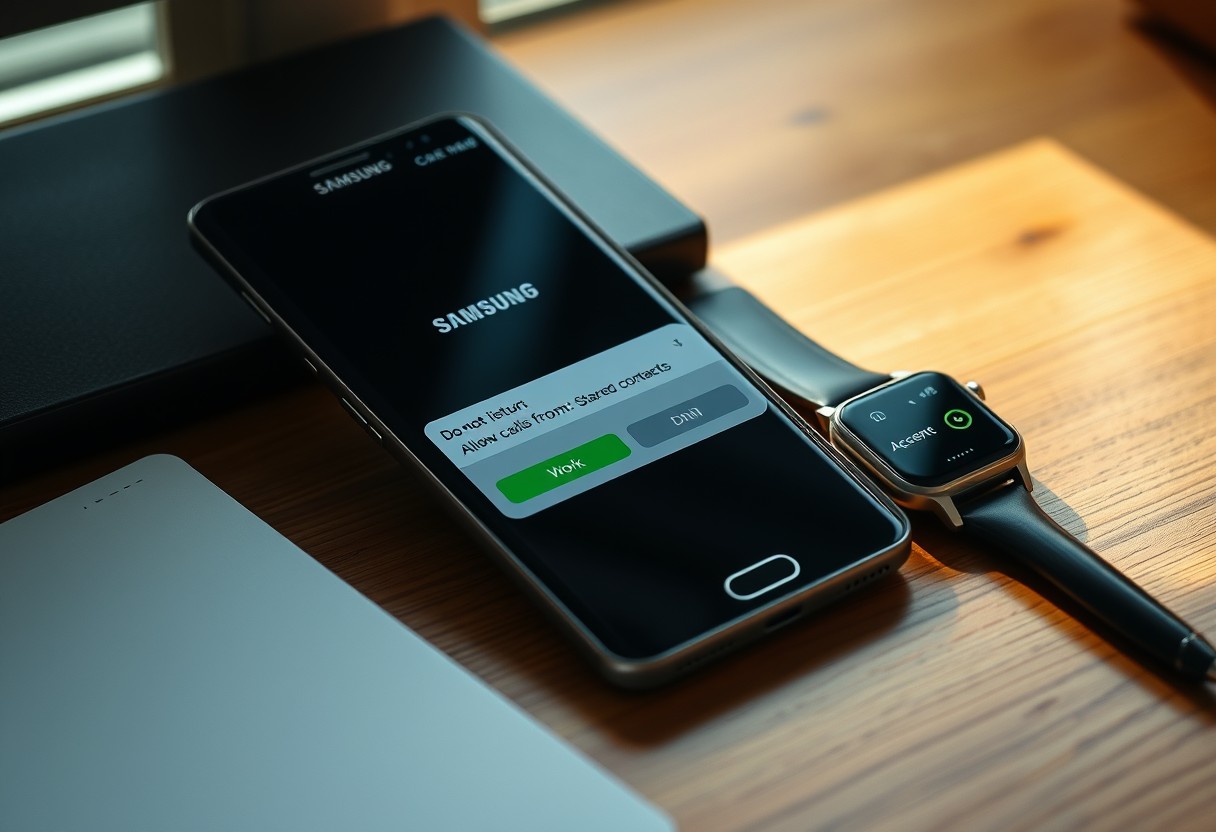
How to Turn Your Samsung Galaxy Into a “Do Not Disturb” Phone Without Missing Important Calls

You can silence distractions on your Samsung Galaxy while still receiving calls from loved ones or key contacts. By customizing the Do Not Disturb settings, you ensure that emergency calls bypass restrictions, preserving peace without sacrificing connection. This guide shows you how to block noise but keep critical alerts active using built-in tools and smart … Read more