Useful Samsung Galaxy Features You Can Set Up Once and Then Forget About

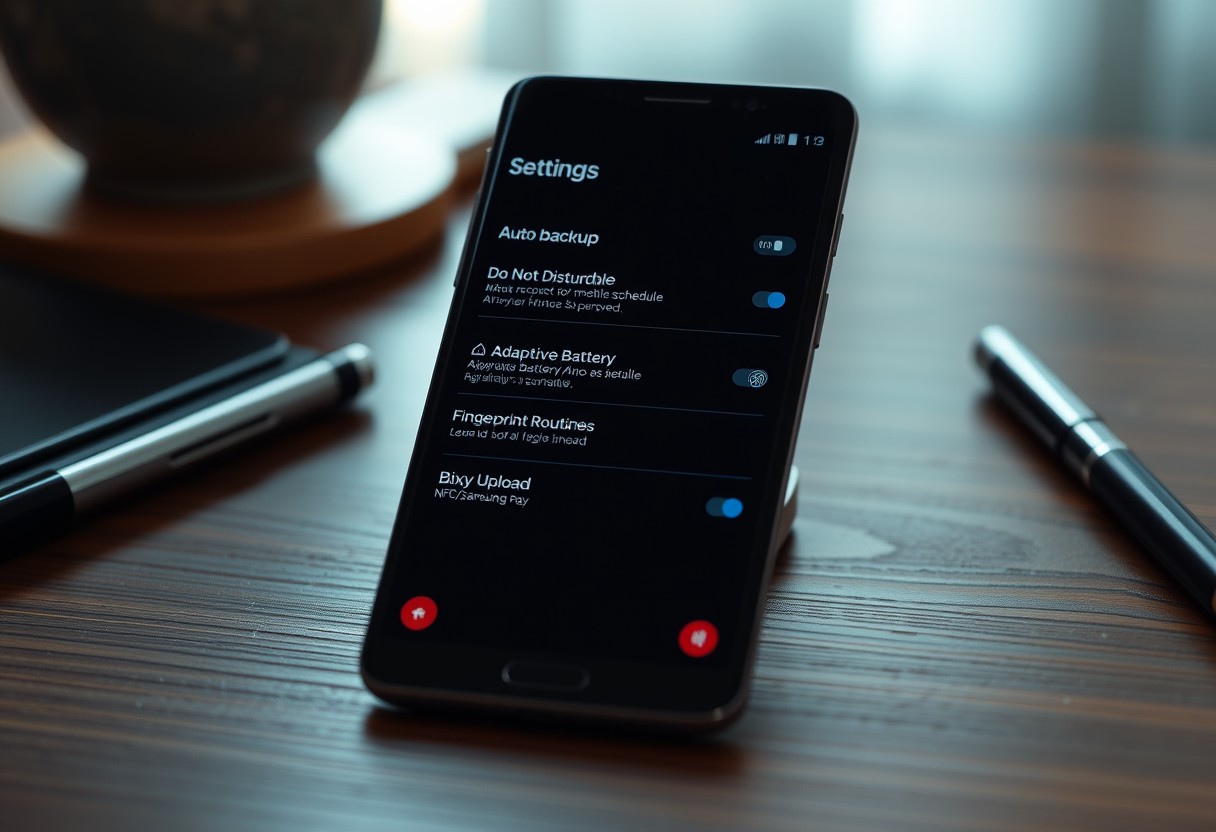
Your Samsung Galaxy holds hidden capabilities that work silently once activated. Set up these features correctly, and they protect your data, extend battery life, and reduce distractions automatically. You don’t need to monitor them-just benefit from their constant, behind-the-scenes operation. Some even activate during emergencies, making them essential for security and peace of mind. Key … Read more

How to Make Your Samsung Galaxy Feel Less Distracting Without Turning Off Notifications

You can keep your notifications active while still reducing digital overwhelm on your Samsung Galaxy. Ignoring distractions doesn’t mean silencing alerts-it means managing how and when they grab your attention. With the right tweaks, your phone can stay useful without hijacking your focus. This guide shows you practical, actionable steps to create a calmer, more … Read more

How to Make Your Galaxy Phone Easier to Use With One Hand Without Changing the Screen Size

You can master one-handed use of your Galaxy phone without shrinking the display. Activating One-Handed Mode shrinks the screen temporarily, making top-edge controls reachable. Gesture customization reduces reliance on stretching or repositioning your grip. By adjusting settings already built into your device, you maintain full functionality while gaining comfort and safety in daily use. Key … Read more

Mastering Your Samsung: How to Turn Off Samsung Pass Autofill

In a world where digital privacy is increasingly important, it’s essential to control what information your devices remember for you. Samsung Pass is a valuable feature on Samsung devices that simplifies logging into various applications and websites by automatically filling in your credentials. However, it may not always align with every user’s preferences. If you’re … Read more